Client project
Luxury interior design
Beverly Hills Luxury Interiors
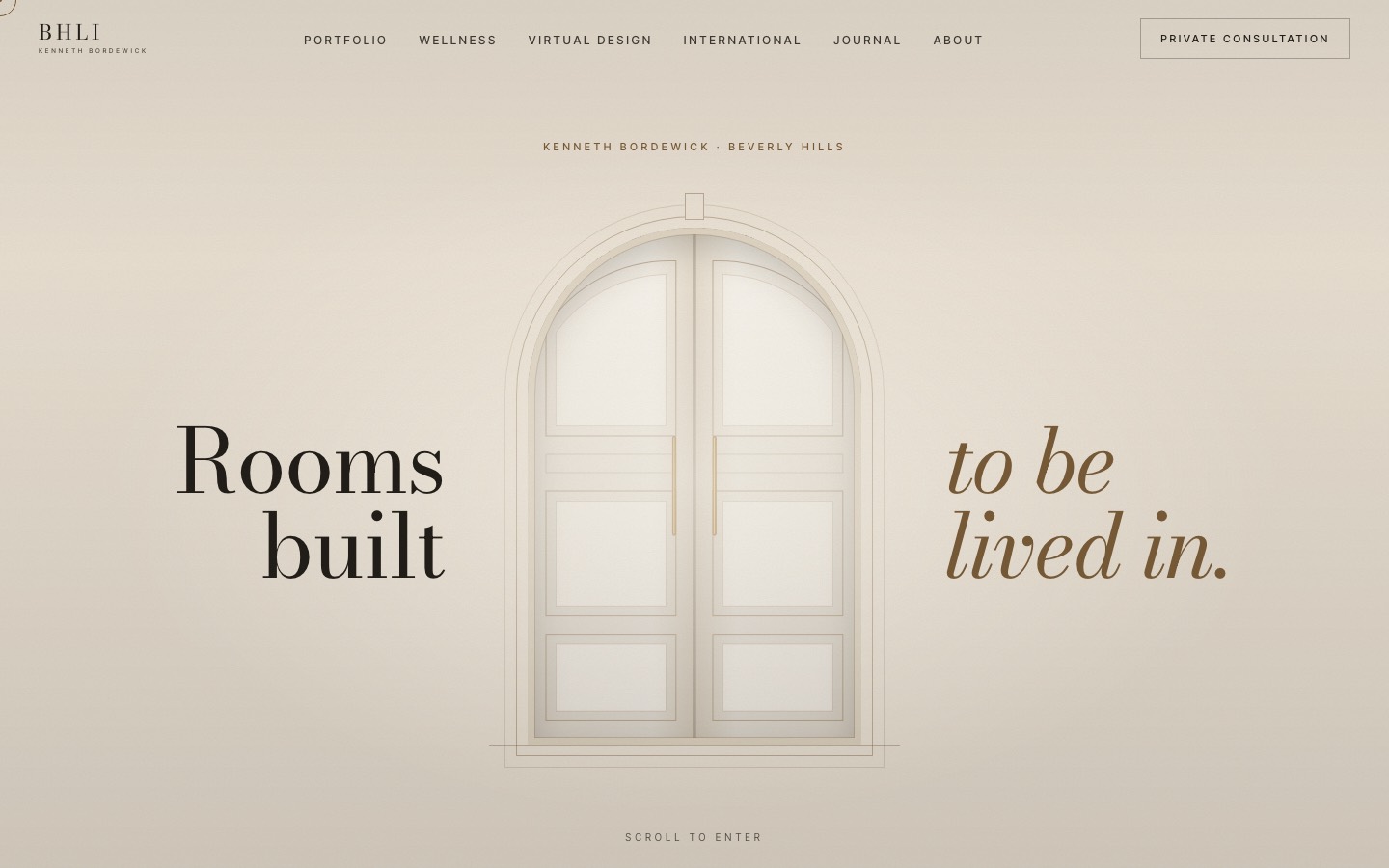
A full rebuild of a Beverly Hills interior designer's website: 318 pages, every old URL carried over, and a homepage that walks you through a door and into the work.
People rarely browse for a lawyer for fun. They arrive worried, often on a phone, sometimes late at night, and they want to know three things quickly: does this firm handle my kind of problem, can I trust them, and how do I talk to someone. We design and build websites for law firms and solo attorneys that answer those questions in the first screen, rank for the practice areas and cities you serve, and turn visitors into consultations through intake that feels safe and simple.
Recommended: Business $799
The essentials
Personal injury, family law, immigration, estate planning. Each needs its own page that explains the issue in plain language and shows how you help.
Real photos, bar admissions, education, the kinds of matters each attorney handles and why they practise. People hire a person, not a logo.
A short form, a call button and a clear note that contacting the firm does not create an attorney-client relationship until you confirm it.
Results, testimonials and phrases like specialist are regulated in many states. The site should be written with your bar's rules in mind.
Readable type, proper contrast, keyboard navigation and fast loading. Your clients include people under stress, on old phones, with poor connections.
Someone who has just been in a car accident, received divorce papers or a letter from immigration is not reading your firm history. In the first screen they need to see the kind of matter you handle, the area you serve, a sign that real people will help them and a way to make contact now.
That means the homepage leads with the practice areas, not a gavel stock photo. It shows a phone number that can be tapped and a short consultation form. It says, in one plain sentence, who the firm helps. Everything else, the awards, the history, the values, belongs further down for the people who want to check you out more carefully.
Many firm websites get this backwards. They open with a slogan and a skyline, and the actual practice areas are three clicks away. The visitor leaves, and the next firm on the search results gets the call.
A practice area page is where most of your search traffic should land, and where most consultations should start. A good one explains the problem in plain language, describes how the process usually works, lists the questions clients ask most, and makes clear what you do at each stage and what a first consultation involves.
These pages are also how a firm ranks. Someone searching for a child custody lawyer in a city needs to land on a page about child custody in that area, not a homepage list of twelve services. We build each practice area as a full page with its own FAQs and structured data, and link related areas together so Google understands the depth of the firm's work.
Fees are a sensitive subject, but even a short section on how you charge for that kind of matter, whether that is a free first consultation, a contingency arrangement or a flat fee, removes one of the biggest reasons people hesitate to call.
Lawyer websites are advertising, and in most US states that means professional conduct rules apply. The general principle, based on the ABA Model Rules, is that communications about a lawyer's services must not be false or misleading. States add their own requirements on topics like case results, testimonials, the word specialist and required disclaimers.
We write with that in mind: no promises of outcomes, results shown with appropriate context and disclaimers where they are used at all, and careful language around certifications. Your state bar's rules are the final word and you remain responsible for your advertising, so we flag anything that needs your review before launch rather than guess.
Intake forms carry a short notice that sending information does not create an attorney-client relationship and that confidential details should wait until the firm confirms it can take the matter. It protects the firm and it reassures the visitor that you take confidentiality seriously.
Legal search is competitive and local. Directories and large firms dominate the broad terms, so a smaller firm wins on specificity: the exact practice area, the city or county, and the questions people type before they are ready to call.
We set up practice area pages, location pages for the courts and areas you genuinely serve, structured data that identifies the firm as a legal service with a location, and a Google Business Profile that matches the site exactly. Attorney bio pages are marked up as people associated with the firm, which helps search engines connect your attorneys to their expertise.
Helpful articles that answer common questions, such as what happens at a first custody hearing or how long a personal injury claim takes in your state, bring in people earlier in their search and give them a reason to trust you before they call.
The right intake depends on the practice. Injury and criminal defence clients usually want to talk immediately, so a tap-to-call button and a short callback form come first. Family law and estate planning clients often prefer to book a time, so a calendar for a first consultation works better. For firms whose clients prefer messaging, a WhatsApp button opens a chat with a neutral prefilled message.
Every enquiry is tracked so you can see which practice areas and pages bring in consultations. That tells you where to invest in content and where your advertising budget is actually paying off.
After the practice area pages, attorney bios are usually the most visited pages on a law firm site. People want to know who will actually handle their matter. Yet many bios are a list of admissions and a stiff headshot, which tells a worried visitor almost nothing about whether this person will listen to them.
A bio that works starts with the kinds of clients and matters the attorney handles, written in plain language, followed by a short paragraph on why they practise and how they approach a case. Admissions, education, memberships and publications follow for the people who want to check credentials. A natural photo, taken in good light rather than in front of a bookshelf, helps more than most firms expect.
Each bio links to the practice areas that attorney covers and back again. That helps visitors move between the person and the problem, and it helps search engines understand which attorneys are associated with which areas of law.
Recommended structure
A starting point we adapt to your business. Every page earns its place by answering a question your clients actually ask.
Recent builds
Luxury interior design
A full rebuild of a Beverly Hills interior designer's website: 318 pages, every old URL carried over, and a homepage that walks you through a door and into the work.
Architecture and interiors
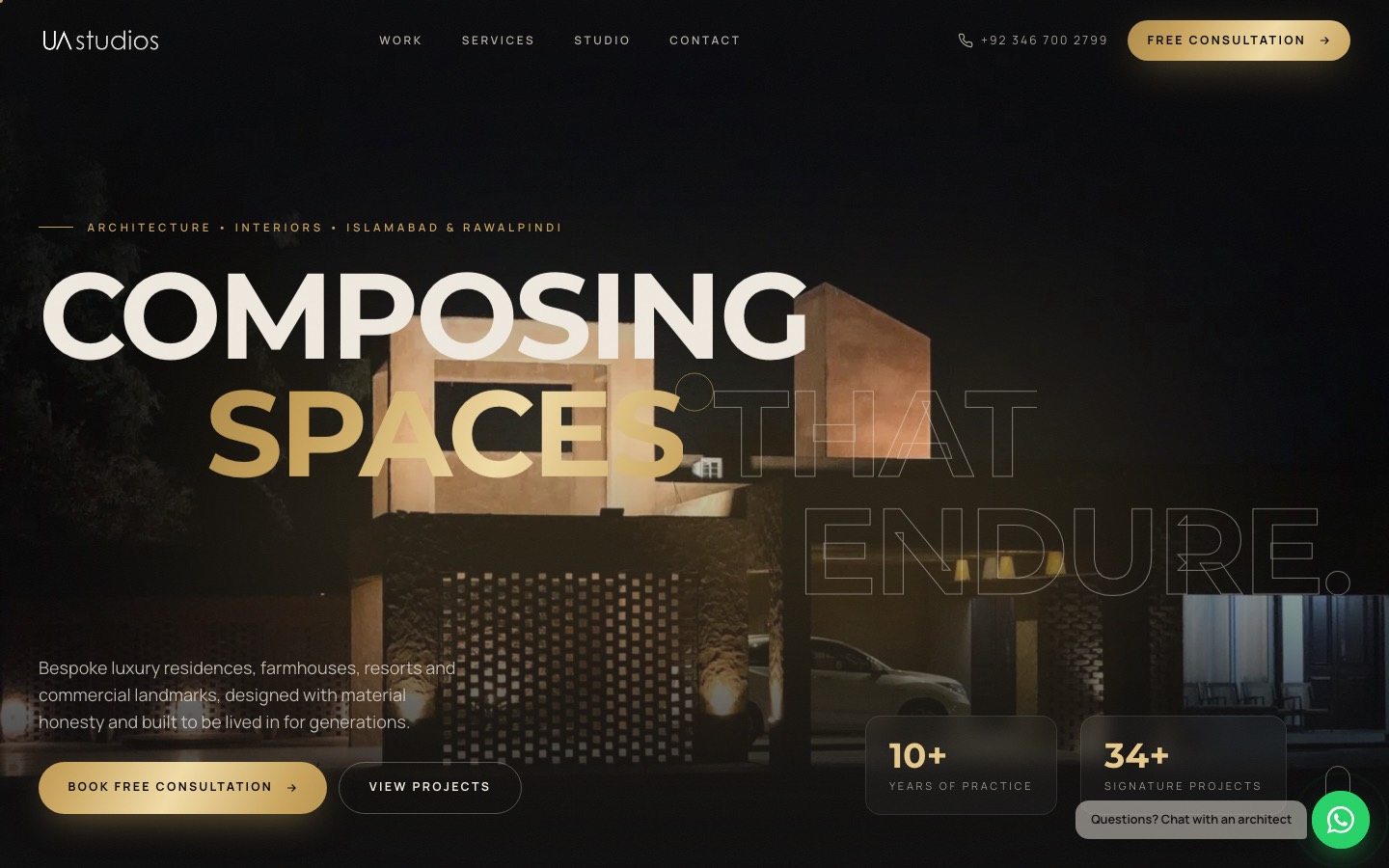
A website for an architecture and interiors studio that shows 34 projects properly and turns interest into a WhatsApp consultation in two taps.
Packages
A solo attorney with two or three practice areas fits Business well. Firms with many practice areas, several attorneys and multiple locations usually need the larger scope of Signature.
$299
One-off · Live in about 7 days
New businesses, single-service companies and local trades that need to look real online fast.
Not included: Writing your copy from scratch (we edit what you send); Domain and hosting fees.
Start Launch on WhatsAppRecommended
$799
One-off · Live in about 14 days
Service businesses that need separate pages for services, work and the team so Google and buyers can find each one.
Not included: Domain and hosting fees; Paid stock photography.
Start Business on WhatsApp$1,499
One-off · Live in about 21 days
Product brands launching on Shopify or moving off a store that isn't converting.
Not included: Shopify subscription and paid apps; Product photography.
Start Shopify Store on WhatsAppFrom $2,999
One-off · Live in 4 to 6 weeks
Studios and premium brands where the website itself has to signal the price of the work.
Not included: Domain and hosting fees; Photo or video shoots.
Start Signature on WhatsAppLaunch is $299 for a single page. Most solo attorneys and small firms choose Business at $799 for practice area pages, attorney bios and local SEO. Multi-attorney, multi-location firms usually start at $2,999 with Signature.
We write with the common rules in mind and flag anything that needs your review, such as case results, testimonials or certification language. Your state bar's rules are the final word and the firm approves all content before launch.
Yes. We can add a booking calendar, a callback form, tap to call and WhatsApp, depending on how your clients prefer to reach you.
We build to recognised accessibility guidelines: readable type, proper contrast, alt text, keyboard navigation and clear form labels.
We can draft them from an interview with you and your existing materials, then you review and approve. Legal content always needs a lawyer's sign-off.
Legal search is competitive. Expect months, not weeks, and expect specific practice area and city searches to move before broad terms. Reviews and your Google Business Profile matter as much as the site itself.
Message us on WhatsApp with your business name and what the site needs to do. Packages from $299, prices published, and you own everything we build.